Anyone with a Freeview box or Freeview enabled TV might want to double-check their channel planner over the next few days.
The free to air service has just confirmed a fairly significant update to its channel lineup, with a total of nine changes now rolling out across the platform.
The changes officially took effect on September 16, with Freeview confirming that several broadcasters have made updates to how their channels appear. Between a brand-new channel launch, a handful of channels moving, and several being renamed entirely, it’s worth taking a moment to check nothing important has disappeared from your usual channel list.
A brand-new channel has landed, though details are thin for now.

The most notable addition is the arrival of a new channel called Lucky Cat TV, now sitting at channel 63. It’s a slightly unusual launch given that, while the channel itself has been officially confirmed, there’s currently no programming information available for it.
That means viewers stumbling across it for now won’t actually know what’s on offer just yet. More details on what the channel will actually broadcast are expected to follow in the coming days, so keep an eye on this if you’re curious what it ends up airing.
Several existing channels have moved position.

Alongside the new arrival, four existing channels have moved to different numbers on the Freeview guide. Great! Player has moved from channel 63 down to channel 62, while Your TV Extra has moved from 75 up to 76.
Your TV MCR has moved from channel 79 to channel 80, and That’s TV 2 MCR has jumped from channel 86 all the way to channel 79. If any of these were regular viewing for you, you’ll want to update your favourites list once your TV has retuned, since the old channel numbers will no longer point to the right service.
A handful of channels have also been renamed.

On top of the number changes, several channels have been given entirely new names too. That’s 60s MCR has become That’s Classics MCR, while That’s 70s has simply been renamed That’s Classics.
Meanwhile, That’s TV (UK) MCR is now known as That’s TV MCR, and Your Music has been rebranded as Your Music MCR. None of these changes affect the actual content on offer, but you should be aware of them so the renamed channels don’t catch you off guard when scrolling through the guide.
You’ll likely need to retune your TV to receive the updated lineup.

With this many changes happening at once, some viewers may find their TV guide slightly out of sync unless they retune. Freeview has confirmed that a retune is needed to keep channels and the guide properly up to date, since without one, some services could end up missing entirely or sitting in the wrong spot.
According to Freeview, channels are constantly evolving, with broadcasters regularly adding, removing or repositioning their services on the platform. Most newer TVs and set-top boxes tend to prompt an automatic retune whenever a change like this takes place, so if a message pops up on screen, simply following the on-screen instructions should sort things out without any extra effort.
How to retune your Freeview TV manually

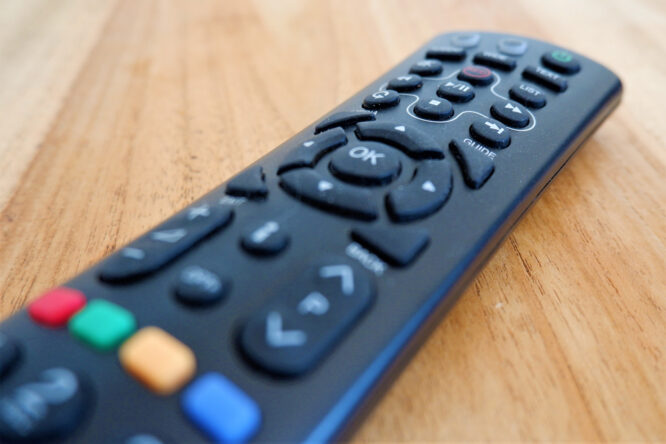
If your TV hasn’t prompted an automatic retune, it’s easy enough to do manually. Start by pressing the menu button on your remote, then look for an option along the lines of Set-up, Installation, Update, or something similar.
If prompted for a password, it’s usually worth trying 1234 or 0000 first, unless you’ve changed it previously. From there, select First-time installation, sometimes labelled Factory reset, Full retune or Default settings instead. If your TV asks whether to delete existing channels, confirm this, since the retune should then begin automatically, and any channels found along the way should be saved once the process finishes.
Once the retune is complete, your Freeview channel list and TV guide should be fully up-to-date, so set aside a couple of minutes to run through this if your usual channels seem to have gone missing or moved lately.